



Same 32mo trim and 10.5 pt type, nearly 200 fewer characters per page than comparable books—adjust the type area or tighten leading first?
At the same 32mo trim and 10.5 pt type, a page that holds about 200 fewer characters than a comparable book is usually not the typesetter being loose—it is the combined result of three settings: type area width, leading multiple, and hidden space. Based on common 2026 book production experience, 550–900 characters per page is a normal range for 32mo 10.5 pt body text—nearly a twofold spread. First work out whether the type area is narrow, the leading is loose, or running heads and captions are eating lines; then decide what to change. That is safer than simply tightening the leading.
At the same trim and type size, a 200-character gap per page often comes from three settings stacking up
Characters per page is the result of characters per line × lines per page. Type area width determines how many characters fit per line; the leading multiple determines how many lines fit on a page; running heads, folios, captions, and paragraph spacing are hidden space that is easy to miss in estimates.
In common 2026 body-text delivery practice, a large 32mo finished size is often around 140 × 203 mm, type area width commonly 90–110 mm, and 10.5 pt type commonly sets 24–32 characters per line. A version with a 92 mm type area and 1.75× leading commonly sets 150 to 200-plus fewer characters per page than one with 108 mm and 1.4×; each set of figures looks reasonable on its own, but together they set loose.
- Type area width: an extra 4 mm commonly adds two or three characters per line, which multiplies through the total.
- Leading multiple: at the same type size, each 0.1 increase commonly removes 1–2 lines per page.
- Hidden space: running-head rules, folio backgrounds, and two-line captions all have to be subtracted from the type area height.
Work out three figures first, then decide between the type area and leading
Break the three figures apart, and when an editor says “take out a few more pages,” you can answer whether to change the type area, the leading, or the type size—and what each choice sacrifices.
- Lock the type area: subtract trim (commonly 3 mm) and gutter from the finished size to get type area width × height; perfect binding usually needs a few more millimetres at the gutter than saddle stitching.
- Set characters per line: characters per line is roughly type area width divided by character width; for Chinese characters, character width is roughly equal to the type size. Tightening tracking usually adds only one or two characters and should not be the main lever.
- Set lines per page: lines per page is roughly type area height divided by (type size × leading multiple), minus the space taken by running heads and folios.
- Multiply and check against the book type: place the resulting characters per page within the typical range for comparable books to see whether it is loose or tight.
The last two steps are the ones most often skipped: skip the line-count calculation and you can end up with a small type size paired with a small leading multiple, which sets like a reference compilation; skip the comparable-book check and you may finish applying a template before realising it does not match the intended reading pace.
Compact, open, and middle settings differ by more than page count
Page count is tied to paper and printing, but how dense the page should be is better set by the reading context, not by the cost ceiling alone. The ranges below are common experience ranges from 2026 book production and can be checked item by item against comparable books.
- Compact: 800–900 characters per page, 1.35–1.5× leading, type area covering about 70%–75% of the page. Suitable for dictionaries, yearbooks, and reference compilations; the cost is that continuous reading becomes tiring, and when trim tolerance runs large, edge characters sit close to the trim.
- Open: 550–650 characters per page, 1.6–1.8× leading, type area covering about 60%–68% of the page. Suitable for fiction, social science titles, and books for middle-aged and older readers; page count rises, and paper and printing costs commonly increase by 10%–20%.
- Middle: 700–800 characters per page, 1.5–1.6× leading, a common compromise for corporate newsletters, industry reports, and textbook body text.
Neither setting is universally better: a reference book that is opened on a desk every day is often easier to consult when it is denser, while a book driven by continuous narrative at 850 characters per page can lose the reader halfway down the page.
On the production floor: cut the page count and the cost often surfaces at post-press
In one corporate newsletter job, the plan called for 160 pages but the budget allowed only about 140, and the editor asked to bring the page count down without changing the type size. With paper and type size both fixed, the approach was to pull the type area in by 2 mm on all four sides and tighten leading from 1.6× to 1.45×, bringing the page count to about 142. The cost was renumbering the whole contents list; a binding spot check then found several pages near the gutter set too tight, with cross-page reading losing its flow, so two pages were added back—effectively an extra round of reflow. A typical range for reducing page count is 10%–15%; beyond that, changing the type size is usually required, and the cost in rework and reading experience rises noticeably.
Where it applies—and where it does not
This calculation suits text-led book and magazine body pages with clear page-count and cost constraints, such as social science titles, textbooks, corporate newsletters, industry reports, and series that need one shared set of parameters. When readers mainly read continuously, characters per page should not be set purely by the cost ceiling; that is a directly usable line when making the trade-off.
- Fits: text-only body text or body text with clearly separated text and image columns; page count already fixed and adjustment needed without changing paper; a series that needs one shared set of parameters.
- Not needed: art books, illustrated titles, and children's picture books, where the criteria are the image–text relationship and page-turn rhythm, not characters per page.
- Does not fit: large-print editions for middle-aged and older readers and regulatory or standards publications, where reading density should give way to readability in the first place.
- When there is plenty of cost headroom: tightening leading to cut a few dozen pages may not save enough to offset the loss in reading experience.
Common questions
At the same 32mo trim and 10.5 pt type, what is a normal number of characters per page?
By common 2026 delivery ranges, 32mo at 10.5 pt with leading around 1.5× commonly runs 700–850 characters per page; fiction and social science titles are often 550–700, while yearbooks and reference works can reach 850–950.
With 200 fewer characters per page, should you adjust the type area or tighten leading first?
First check which is low: characters per line or lines per page. Type area width affects characters per line more directly, and each 0.1 increase in the leading multiple commonly removes 1–2 lines per page. Work it out first, then change one thing—do not tighten both at once.
Is 1.5× leading always safe?
It depends on the type size. 1.5× is acceptable at 10.5 pt, but 9 pt commonly needs 1.6–1.7×; the smaller the type, the higher the multiple needs to be, or the lines feel sticky.
If the page count is fixed, how much can pulling in the type area save?
In experience, a 10%–15% reduction in page count is feasible, usually by pulling in the type area and adjusting leading; beyond that, changing the type size is usually required, and the cost in rework and reading experience rises noticeably.
Should captions and running heads be counted in characters per page?
Yes. They take up type area height and width; subtract them first when estimating by body-text lines, or the calculated characters per page will come out too high.
If you are stuck at “a few dozen pages over,” first write the type area, type size, and leading into a parameter table, then measure one page in a comparable book for comparison; that is far more reliable than tightening leading straight away. Conversely, if the book is mainly for continuous reading, aimed at middle-aged and older readers, or is itself a mixed text-and-image layout, there is no need to squeeze characters per page; giving the extra pages to readability is the better trade.
-
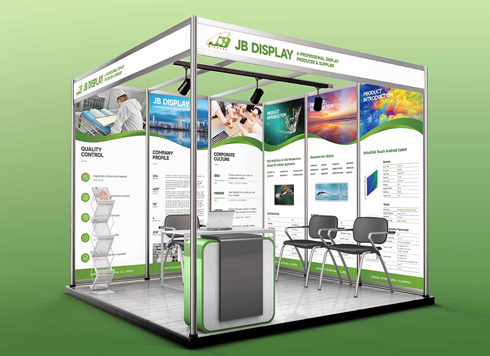 Booth Poster Design for Professional Monitor Product Suppliers
The standard exhibition booth poster projec ...
-
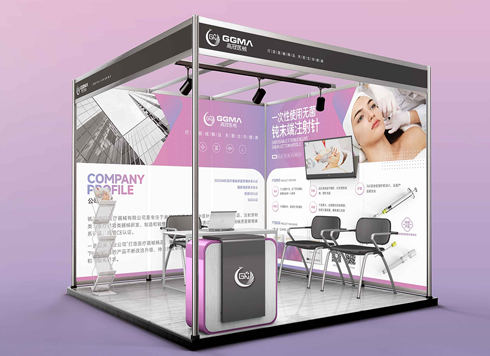 Design of Standard Exhibition Booth Posters for Beauty Instruments
Carefully designed a standard exhibition bo ...
-
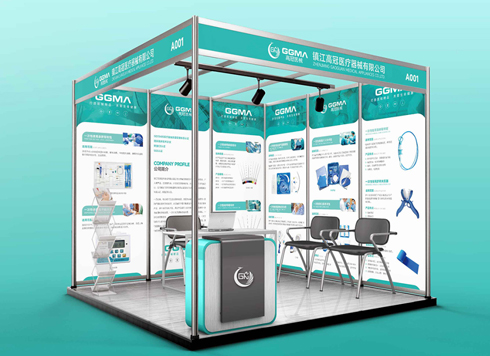 Design of Exhibition Posters for Medical Device Standards
XiYue is designing an exhibition booth post ...
-
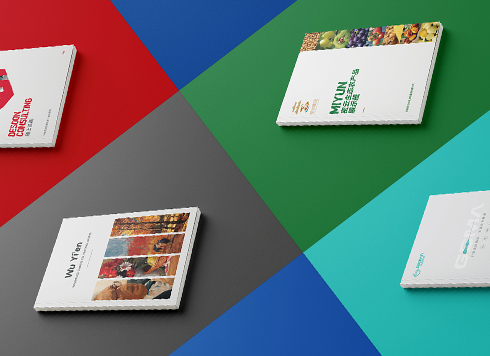 Collection of Brochure Design Cases in 2024 (Cover Series 02)
Our brochure design projects focus on diver ...
-
Storefront is installed and packaging is printed—will newly added supporting graphics still match the earlier materials?
Date: Nov 21, 2026 Read: 7
-
Why does a logo look gray when reversed out on dark paper boxes—and what should change in the mono version the maker asks for?
Date: Nov 20, 2026 Read: 8
-
Hardcover Cover Logo Foil Stamping: If Fine Strokes Smudge in the Proof, Should You Change Line Width or Switch Paper First?
Date: Nov 19, 2026 Read: 13
-
When only a palm-sized area is left on the back of the pack and the barcode, net content, and ingredient list are all crammed together, what should be protected first?
Date: Nov 18, 2026 Read: 18
-
The event poster already went out in the group chat once, and now it suddenly needs to be printed as A1 for the door—can we just use the original file to print?
Date: Nov 17, 2026 Read: 21